


Please confirm that when you use YouTube, data such as your IP address, browser identifier and similar may be transmitted to Google.
» Privacy Policy

Software for timber framing WupWorks5
Software for timber framing WupWorks5
The wall in view with just one click.
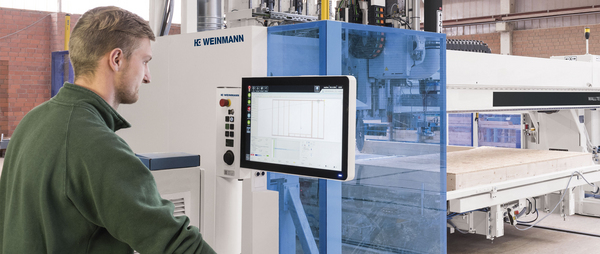
The new wupWorks5 software version offers the machine operator a range of optimized features that simplify the work process on the machine and thus contribute to user-friendliness. In summary: wupWorks5 scores with a user-oriented operating concept and improved visualization and overview.
Highlights
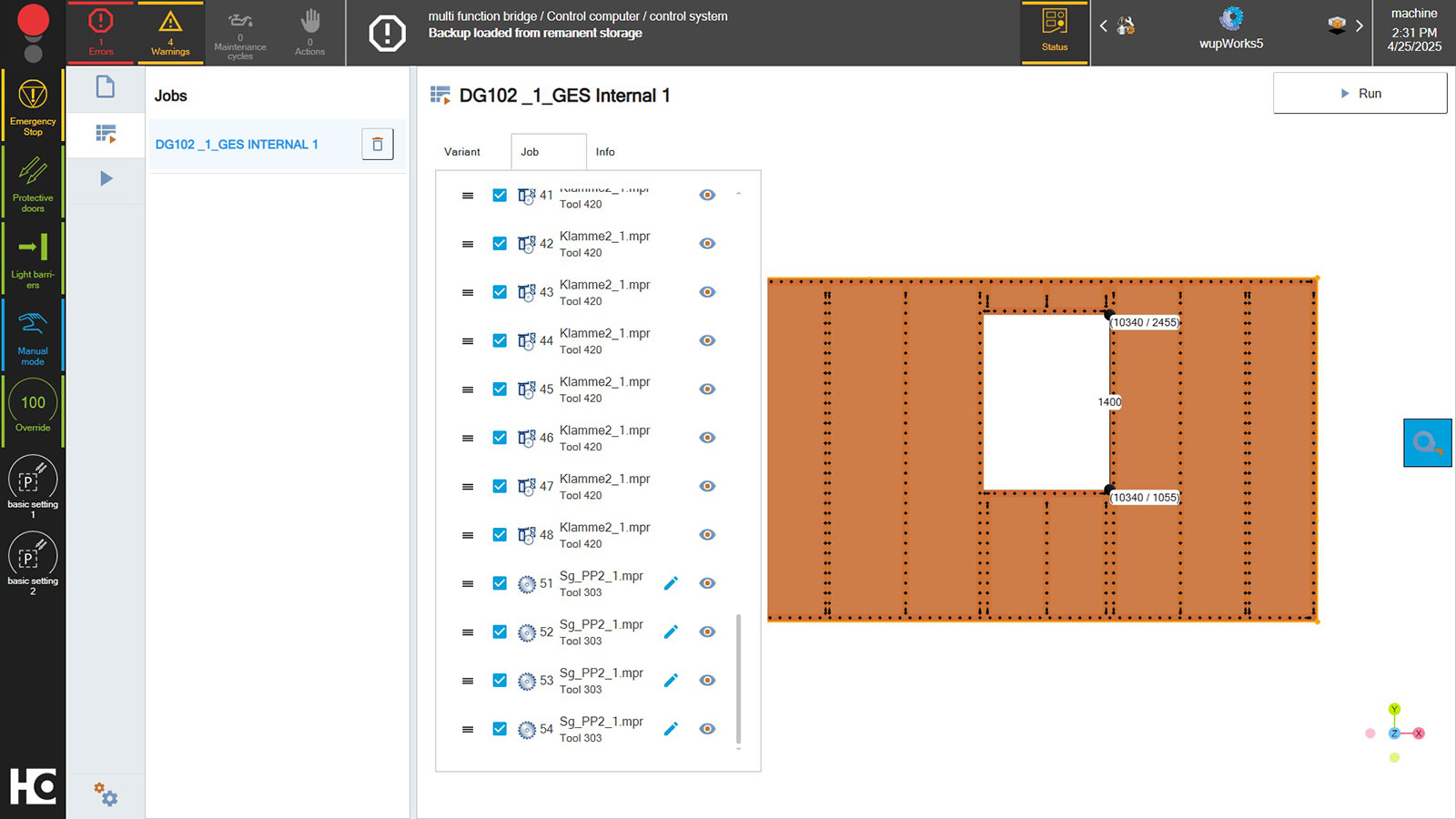
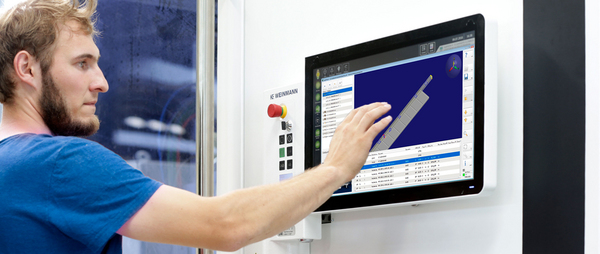
Modern 3D visualization: The modern control system enables work orders to be visualized before production begins. The details of the wall structure are now also more visible than in previous versions. A measurement function and the expansion display for wup data records can now be used. Navigation is straightforward using the mouse or
powerTouch.

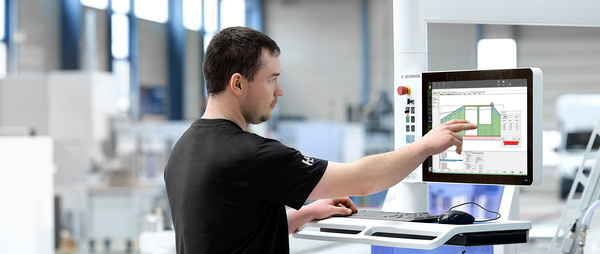
Parallel working: Navigation can continue to be used while the machine is in operation. This means that one or more follow-up jobs can be prepared and then executed while a job is still in progress. In addition, one or more wup files can be imported simultaneously.
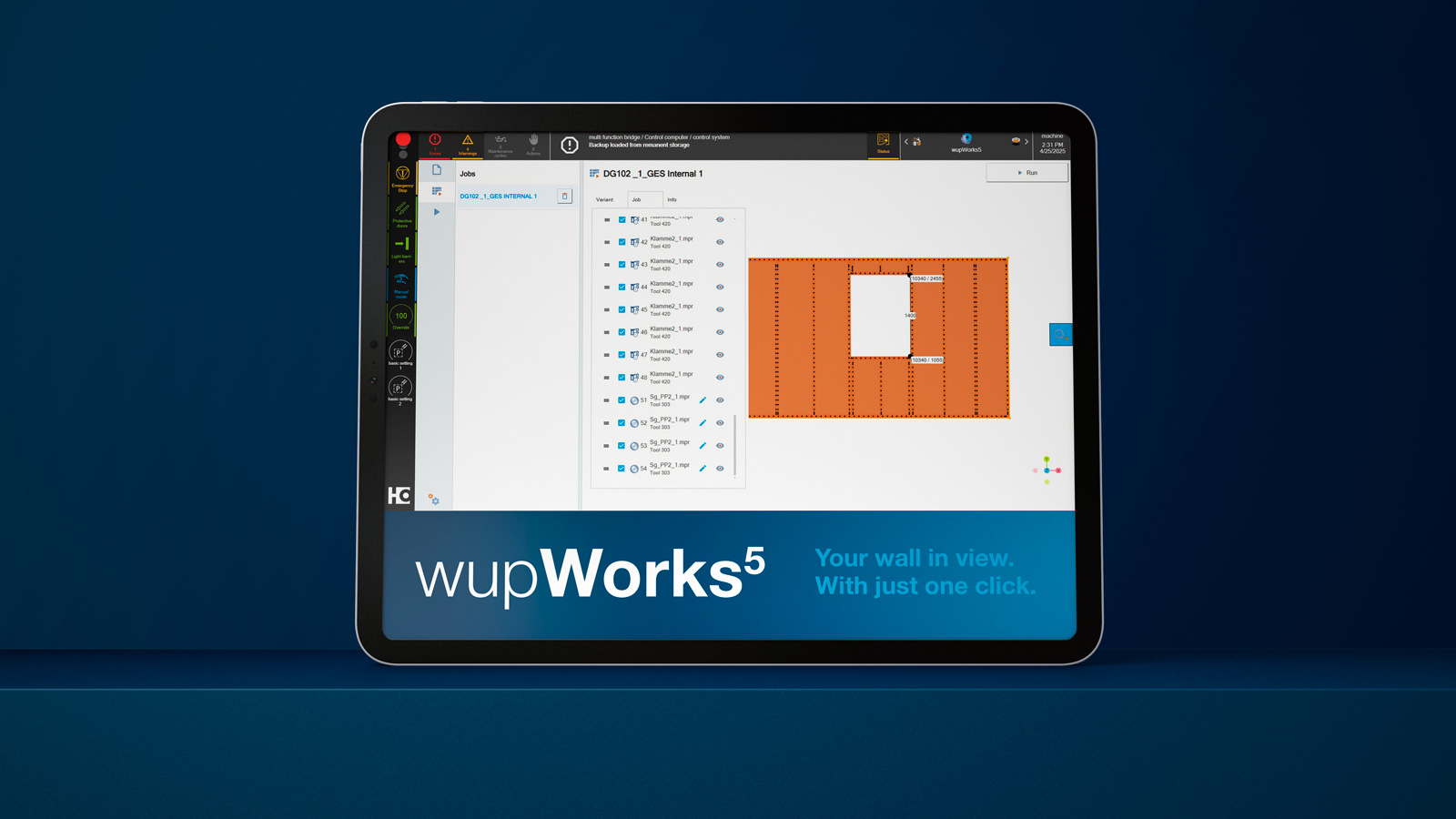
Web-based application: The browser-based application option, e.g. on a tablet, can increase production efficiency. This saves you walking distances and valuable time in your production process.
Further Solutions
-
![]()
wupWorks 4
Intuitive machine control unit of the BEAMTEQ & STORETEQ series.
Clear 3D representation of workpieces and processing steps.
Import of .wup and .btl files from external CAD systems.

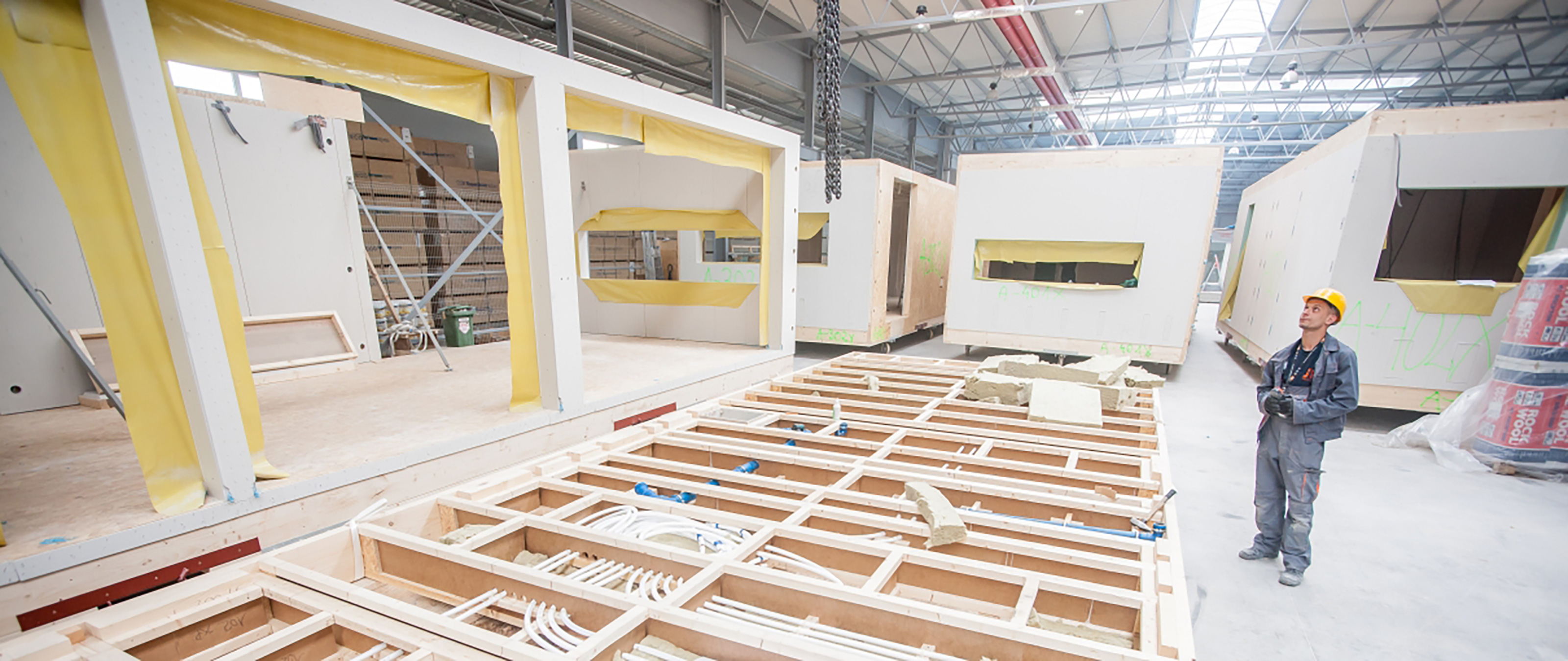
Here's how your colleagues produce
Videos
Please confirm that when you use YouTube, data such as your IP address, browser identifier and similar may be transmitted to Google.
» Privacy Policy
wupWorks5 - The intuitive CNC software for timber construction
The new wupWorks 5 operating software offers the machine operator a range of optimized features that simplify the workflow on the machine and thus contribute to user-friendliness.